

ai video checker: How to Review Suspicious Clips Before They Put Your Accounts at Risk
Start with a source-and-signals check: use an ai video checker, review the evidence, and confirm unusual requests through a trusted contact method. This is the strategy we recommend when a friend sends a suspicious clip or someone uses a familiar face to request account access. It combines video analysis with a practical check on who is contacting you.
A convincing video can lower your guard before a phishing link or urgent request appears. An ai video checker can help you inspect the footage, but it cannot confirm that the sender controls a legitimate account. This guide shows what to submit, which signals matter, how to read results, and when another check is needed.
1. Use an ai video checker to investigate a viral clip
1.1. Start with the bunny trampoline video
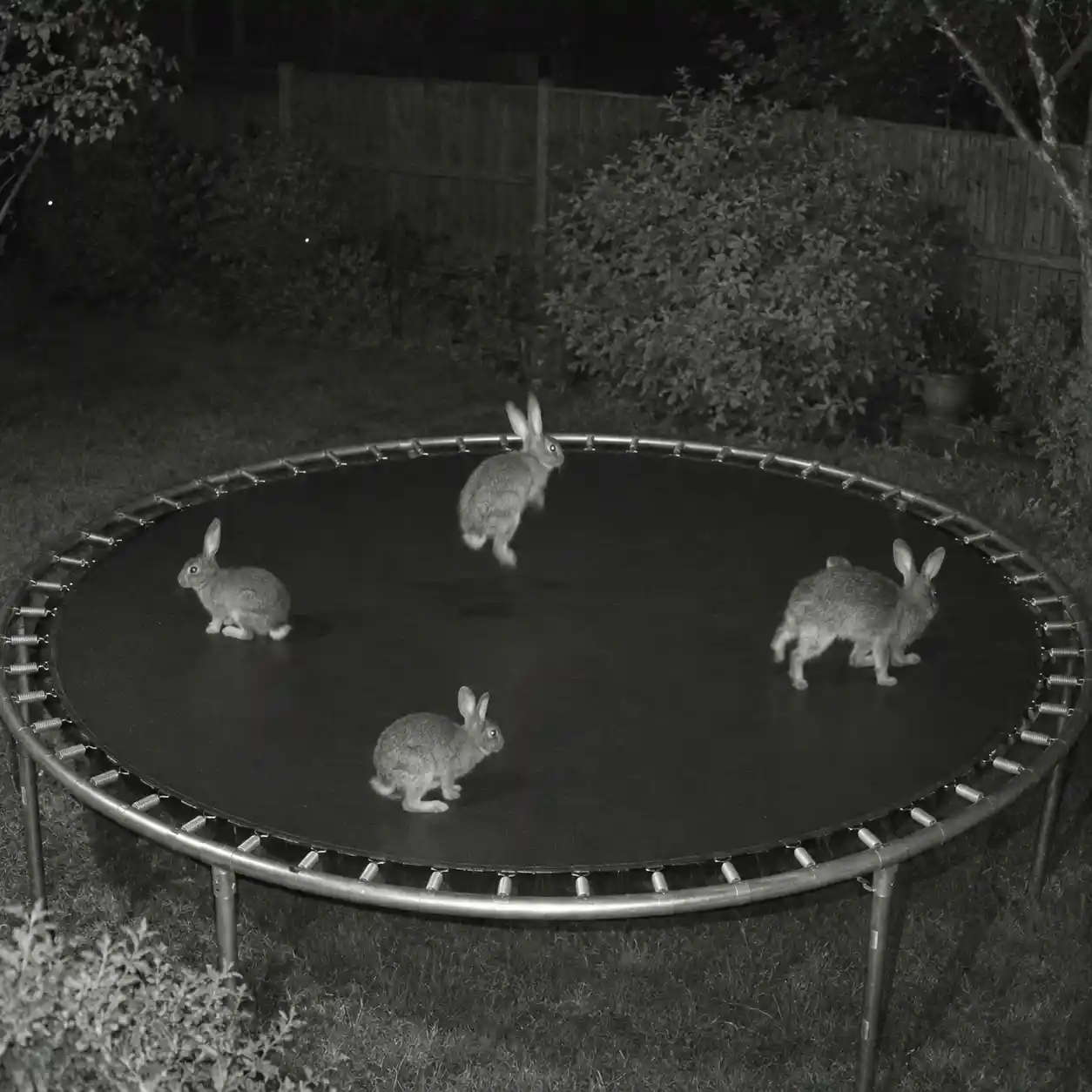
A friend forwards a night-camera clip of rabbits bouncing on a backyard trampoline. The fixed view, dark garden, and familiar animals make it easy to accept the scene without checking. The popular TikTok post by @rachelthecatlovers offers a useful ai video checker example because the question changes when you follow individual rabbits. Around five seconds into the clip, a rabbit appears to merge into another instead of leaving the scene normally.
Use an ai video checker to examine the original bunny clip. An ai video checker should prompt closer inspection of changing shapes, rather than confidence based on popularity.
1.2. Separate an entertaining clip from a security decision
For this review, the original TikTok page was unavailable, so the clip was inspected through a documented repost and compared with published frame checks. This is an observation exercise, not a claimed test result from our ai video checker. An ai generated video checker should support that review without turning one odd frame into proof. The cybersecurity lesson is to question visual authority before following links, sharing codes, or accepting instructions attached to a clip. Use your ai video checker findings to frame follow-up questions, rather than to approve the request.
2. Prepare a safer ai video checker submission
2.1. Keep the strongest available copy
Save the original message, public source address, and claimed recording date before starting an ai video checker scan. Use the original video file when available, since repeated downloads and screen recordings can lose useful detail. A video ai checker needs enough context to compare movement before and after a suspicious moment. Keep any copy prepared for an ai video checker separate from the original, and never install a “required player” offered by an unknown sender just to open their video.

For ai video checker users, this thread raises video impersonation risks. It shows why an ai video checker should accompany identity checks through a separate, trusted contact method.
Read the cybersecurity discussion about AI identities in video meetingsr/cybersecurity2.2. Check access, limits, and privacy
Searching for ai video checker online free is a reasonable starting point, but inspect the service before uploading private material. Before using an ai video checker, check file formats, size limits, retention terms, and whether a detailed report costs extra. A video ai checker may accept files without supporting every social platform link. An ai generated video checker also needs permission to process workplace footage, so use an approved service for confidential recordings rather than assuming every public uploader is suitable.
3. Check the evidence behind an ai video checker result
3.1. Inspect visual details and movement together
An ai video checker may examine texture, edges, lighting, and signs of generated or altered regions. Look at the surrounding frames when a hand, face, or object seems to change shape. A video ai checker should help distinguish persistent inconsistencies from a single blurred moment. In the rabbit clip, tracking one animal across time gives you a more useful question than deciding whether the whole picture simply “looks fake.”
This Reddit discussion gives ai video checker readers a record of public uncertainty around the bunny clip, illustrating why popularity and confident comments cannot settle authenticity.
Read how viewers debated the viral AI bunny videor/technologyAn ai video checker can also use temporal signals, meaning changes across a sequence of frames. Check whether objects keep their identity, follow a continuous path, and remain visible unless something blocks them. Research on generated video detection studies both local motion and broader changes in appearance. These methods give an ai generated video checker useful evidence, but ordinary cuts, motion blur, and compression still need consideration. Check whether your ai video checker examines continuous video or only selected frames.
3.2. Review audio and source information separately
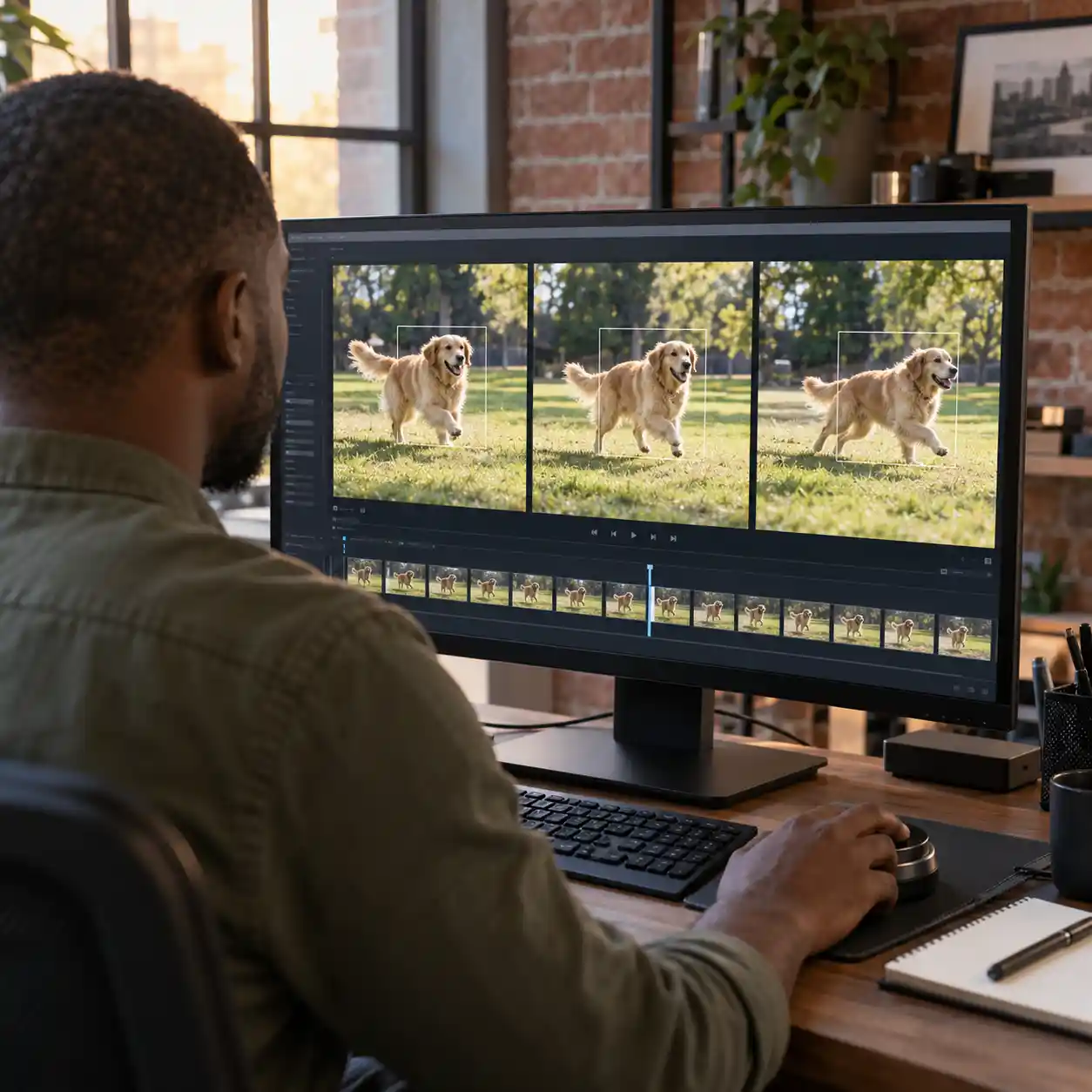
Where supported, an ai video checker can assess the audio track alongside the visuals. A voice may be generated even when the picture is genuine, while an edited soundtrack can explain a timing mismatch. Google describes watermark checks that can identify its generated content in audio and visual segments separately. That narrow capability is different from a universal detector, so an ai video checker should state which checks were actually available.
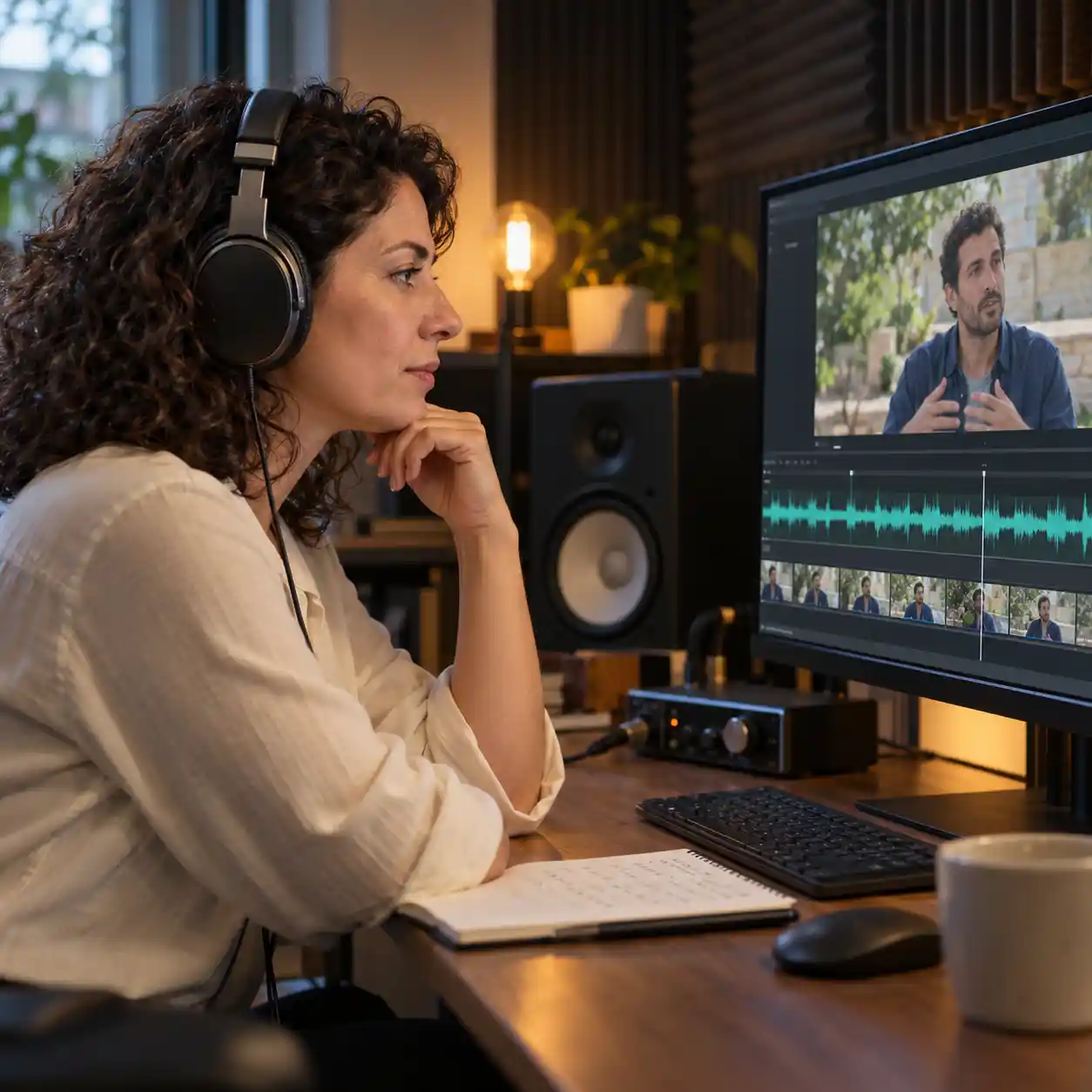
File metadata and signed content records can add information about creation or editing, but they do not settle every claim. Missing metadata alone does not prove that a clip is synthetic, and a genuine recording can still carry a misleading caption. When comparing ai video checker online free services, look for clear evidence coverage instead of a bare score. Use the following checks to guide your ai video checker review rather than expecting every product to support them all.
| Evidence area | Practical check | What it cannot establish alone |
|---|---|---|
| Visual detail | ✓ Compare suspicious shapes across nearby frames | That every unusual edge was generated |
| Motion | ✓ Track the same object through the sequence | That a jump or cut proves manipulation |
| Audio | ✓ Compare speech, timing, and available audio findings | That natural speech confirms identity |
| Source history | ✓ Review the earliest source and surviving records | That the caption or request is truthful |
4. Read ai video checker conclusions without overreaching
4.1. Treat a suspicious result as a reason to inspect
If an ai video checker reports likely generation or manipulation, read the supporting findings before acting. Ask which frames or audio sections contributed, what was not assessed, and whether editing offers another explanation. An ai generated video checker score is not automatically the probability that a claim is false. Record the ai video checker input version and result so another person can review the same evidence without relying on your recollection.
4.2. Keep “not detected” separate from “safe”
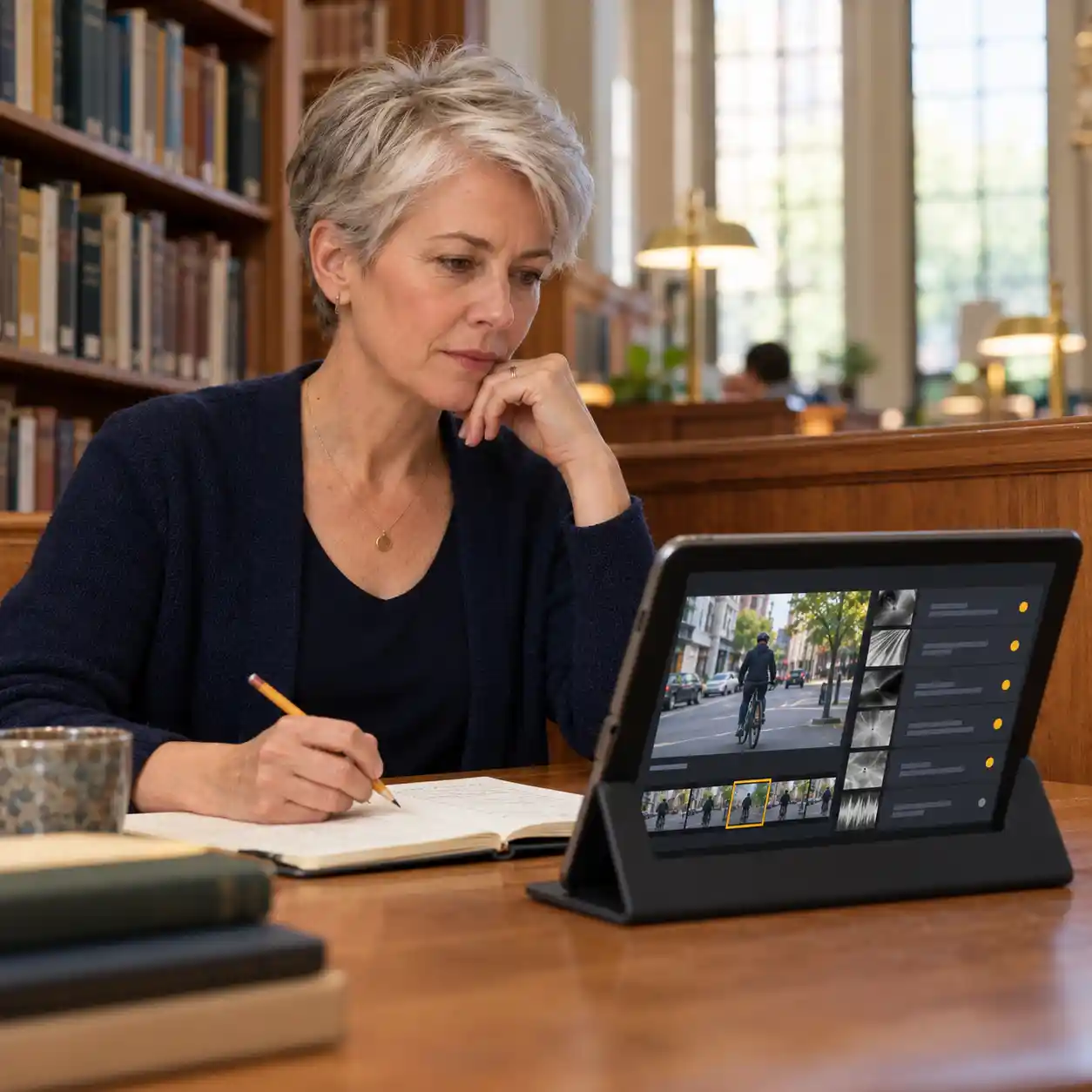
An ai video checker that finds no clear signs has not verified the sender, linked website, or account request. A video ai checker focused on facial manipulation is also a poor fit for a fully generated animal scene. If an ai video checker returns an uncertain result, seek better footage or independent source evidence. For account access requests, contact the person through a number or channel you already trust, even when the video looks convincing. Do not share a password, recovery code, or login approval just because a familiar face appears in the recording.
5. Know when an ai video checker can be wrong
5.1. Investigate false alarms without dismissing the evidence
An ai video checker can flag authentic footage after heavy processing, filters, or AI enhancement. Compression may hide details or introduce patterns that complicate interpretation, rather than having one predictable effect on every detector. If an ai video checker online free result conflicts with a known original, compare the versions and check what changed. Avoid accusing someone of fabrication until you understand whether the finding concerns enhancement, replacement, or a fully generated scene.
5.2. Account for missed manipulation and unfamiliar generators
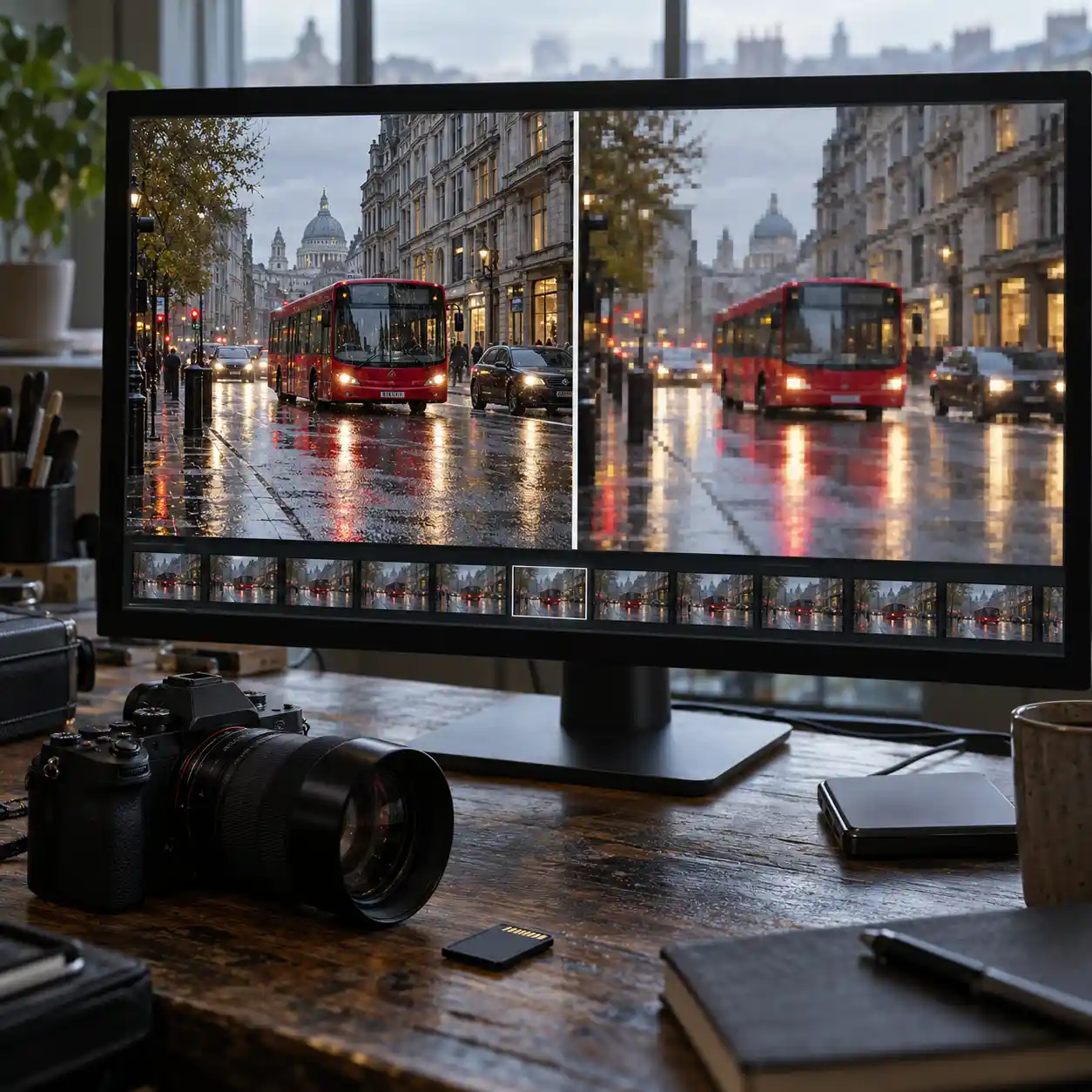
An ai video checker can miss short edits, unfamiliar generation methods, or signals weakened during sharing. The GenVideo research benchmark includes over one million real and generated videos and evaluates unfamiliar generators and degraded footage separately. Those tests explain why one ai video checker accuracy number cannot promise equal performance on every forwarded clip. Use different evidence sources for cross-checking, rather than treating agreement between similar detectors as proof or repeatedly editing the file until a preferred answer appears.
6. Use our ai video checker to review the full evidence
6.1. Look beyond a single label
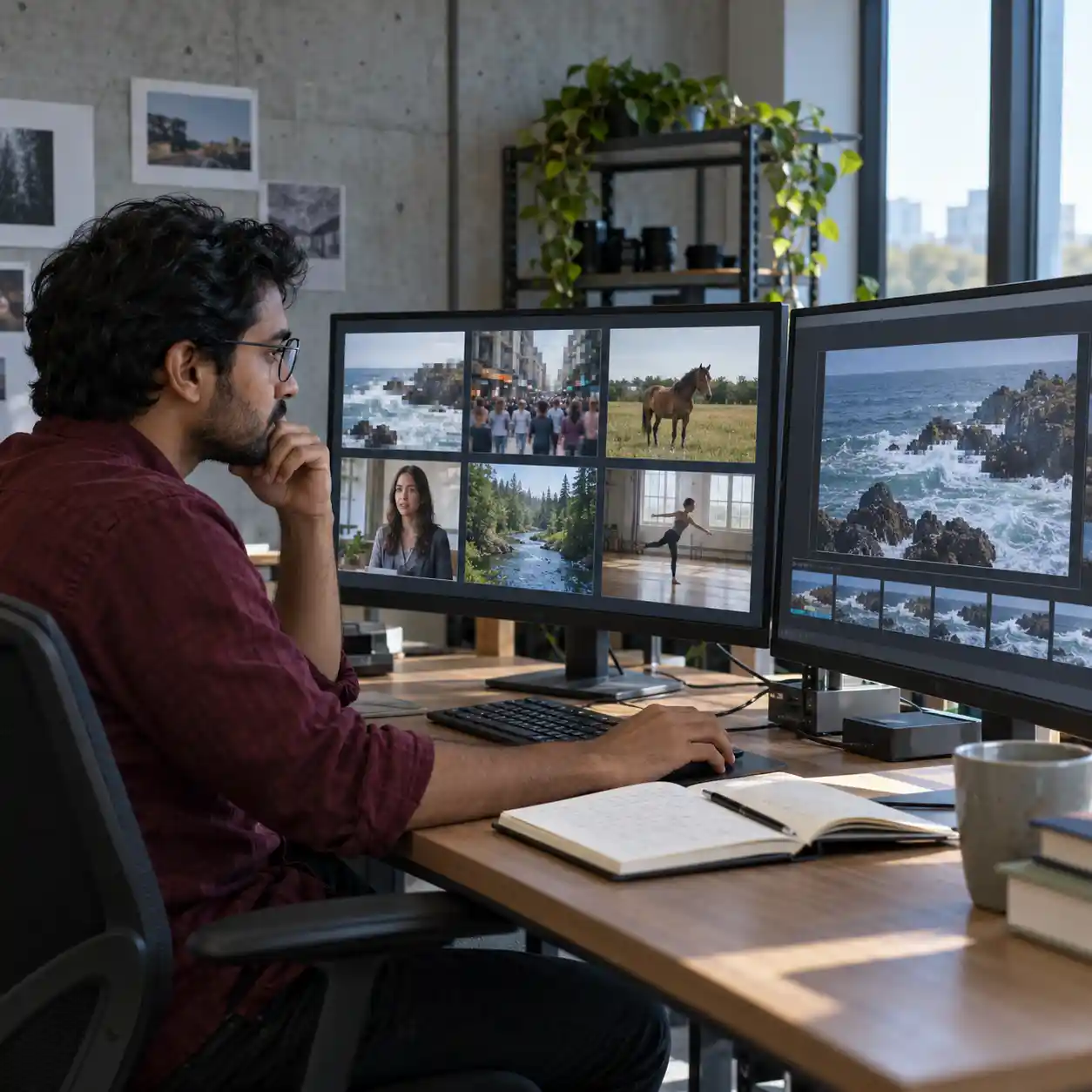
Our ai video checker lets you input a video and view comprehensive detection results covering every frame and the audio. This gives you a fuller basis for inspection than a single overall conclusion. A frame-level view helps you return to a suspicious moment and compare surrounding footage, instead of judging one image in isolation. Review the frame findings alongside the audio analysis, then compare the evidence with the video's source and the sender's request. A detailed ai video checker report supports informed review while leaving room for uncertainty, missing context, and further verification.
6.2. Make the next step a security check
Return to the source-and-signals strategy before trusting an urgent message. If you arrived through an ai video checker online free search, confirm the available plan and upload conditions on the product page. Input your video, inspect the frame and audio results, and verify unusual requests through a trusted channel. Start your ai video checker review now, and use the findings to decide what needs a closer look before you click, share, or respond.
Reference
Explore Microsoft's account of AI deception and fraud defenses Read Google's explanation of video and audio watermark verification