

AI Video Detector Explained: How Frames, Audio, and Metadata Help You Assess Cybersecurity Threats
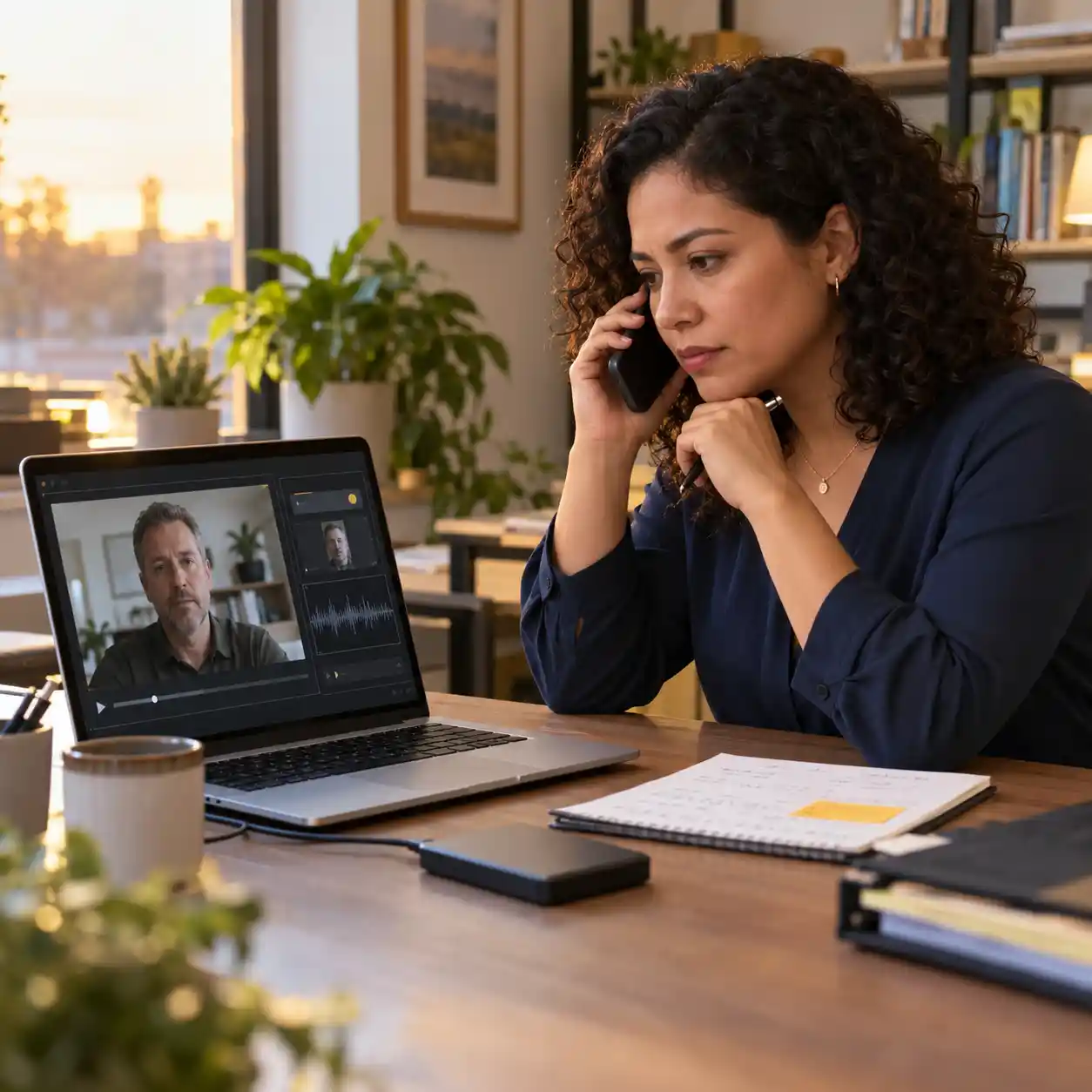
Start with a combined visual-and-audio review when a suspicious video reaches your inbox. Our ai video detector supports that approach by analyzing both the picture and sound. This matters when an apparent colleague asks you to share a password, approve access, or open an unfamiliar link. A convincing face alone cannot establish who sent the message or whether the request is safe.
An ai video detector can help you investigate, but its result needs context. Good ai video detection considers the available signals and the limits of the submitted file. This guide explains what an ai video identifier can check, why detectors sometimes fail, and what to do next. You will learn how to preserve evidence, interpret conflicting signals, and make safer cybersecurity decisions.
1. What an AI Video Detector Checks in Frames and Audio
1.1 Look beyond one suspicious frame
An ai video detector may examine textures, face boundaries, and patterns left by image generation. Some systems also compare frames to look for changes that do not fit the surrounding movement. This is why ai video detection involves more than spotting strange fingers in a screenshot. Keep the full clip so movement remains available for analysis, and remember that blur or ordinary editing can also create odd details.
1.2 Check Sound with an AI Video Detector
An ai video detector with audio analysis can assess the sound signal for signs of generated speech. Audio models may examine waveforms or frequency patterns over time, rather than simply reading a transcript. An ai video detection tool that checks only pictures could miss a cloned voice placed over genuine footage. Treat visual and audio findings as separate questions before considering the overall message.
BBC's TikTok guide covers AI impersonation scams, a useful reminder to pair an ai video detector with source checks before trusting familiar faces online.
1.3 Separate media analysis from identity checks
An ai video identifier evaluates media signals; it does not authenticate an account owner. Even a genuine recording can be stolen, replayed, or paired with a harmful link. Ask what the ai video detector actually analyzed, including whether usable audio was present. If a message requests credentials, confirm the request through a contact method you already trust.
2. What an AI Video Detector Can Learn from Metadata
2.1 Read file history without treating it as proof
An ai video detector may use metadata as supporting evidence when that feature is available. File dates, editing software tags, and encoding details can suggest how a copy was produced. However, missing metadata does not prove that a video is synthetic, and an editing tag does not prove malicious intent. Ask your ai video detector whether its judgment comes from the content itself or from file information.
A Reddit creator asks how editing and exports affect an ai video detector, illustrating user uncertainty rather than establishing measured failure rates or technical causes.
Read the creator discussion about editing and detection uncertaintyr/generativeAI2.2 Distinguish watermarks from signed records
An embedded watermark is a signal within the media; signed Content Credentials record verifiable provenance claims. Neither is the same as an ordinary filename or export date. An ai video identifier must explain which kind of evidence it supports, because coverage differs.
A watermark check can identify a supported source, but a negative result cannot clear every other generator. Use an ai video detector alongside source verification, especially when a clip arrives through an unexpected account.

3. Why an AI Video Detector Can Fail: Real Examples
3.1 A strong audio result changed after editing
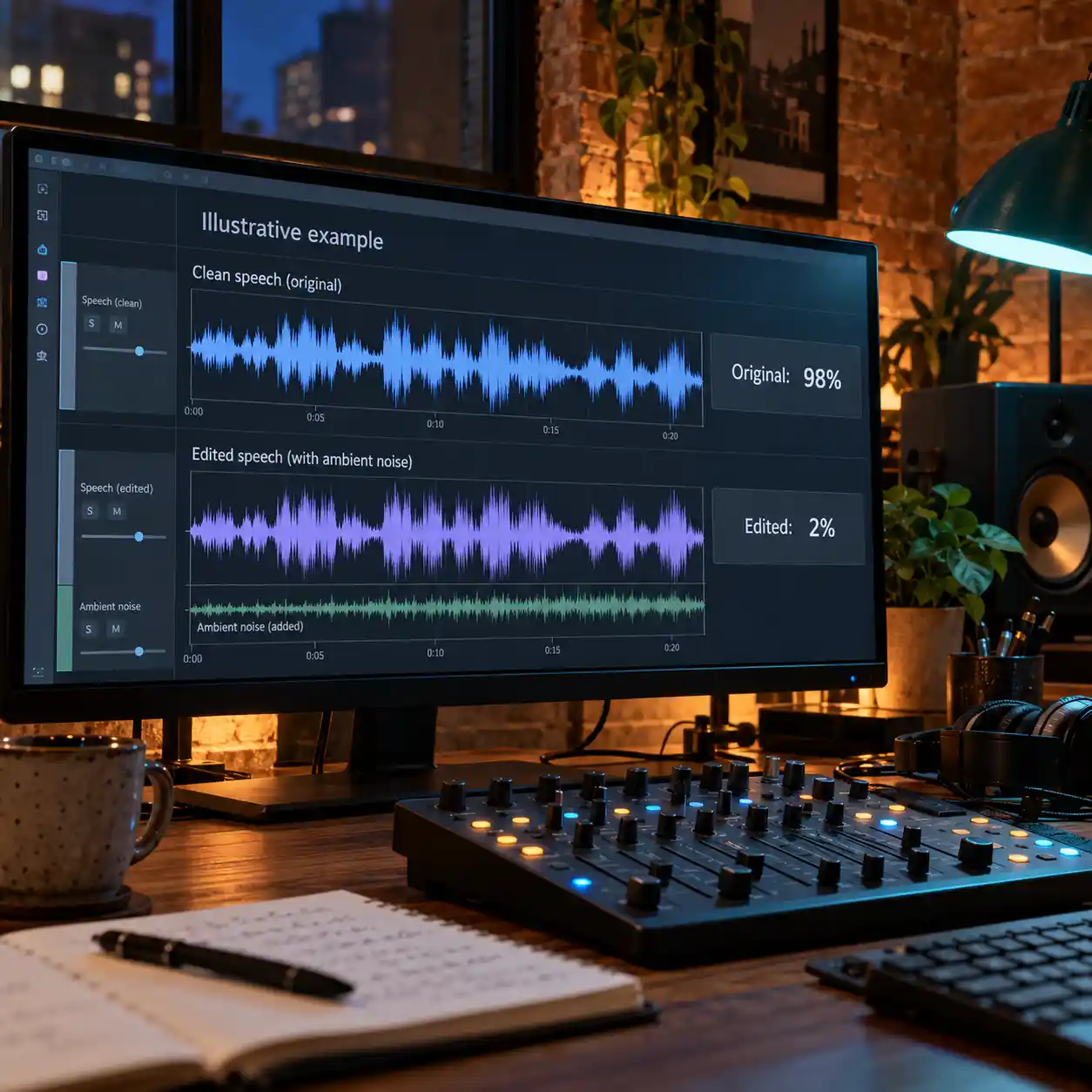
The FAIK Files' March 2025 YouTube test provides a concrete warning for anyone relying on an ai video detector. Around 06:04, the presenter reports a 98% ElevenLabs speech-classifier result for generated audio; around 09:27, an edited version returns 2%.
The clip describes added background sound and other audio edits. Its result illustrates how processing can affect a classifier, rather than proving a universal bypass or measuring today's services. Read the scope of an ai video detector result: a low match to one provider is not proof of human speech.
This ai video detector case documents changing audio scores. The ai video detector lesson is to examine scope and processing before accepting a low result.
3.2 Genuine video can receive a strong fake label
Around 19:33 in the same video, an unnamed service labels conference footage fake, although the presenter identifies it as genuine. This is a reported false positive, not an independently reproduced benchmark. An ai video detector can confuse ordinary recording or processing patterns with learned signs of manipulation.
The demonstration alone cannot establish which technical cause produced that error. A strong ai video detector score should trigger investigation, not an accusation against the person shown.
A developer reports that their ai video detector overflags real-world footage, offering a concrete discussion of false positives rather than independent proof of industry-wide performance.
Read the developer discussion about false positives on videosr/MachineLearning3.3 Why AI Video Detector Lab Results May Not Transfer
The Deepfake-Eval-2024 paper, Table 3, reports GenConViT's AUC falling from 0.96 on its original test data to 0.63 on this real-world dataset. AUC measures separation between classes, not the probability that your particular clip is fake. This shows why an ai video detector needs testing on relevant material.
Separately, the EUSIPCO 2025 ADD-C study found reduced audio-detection robustness under codec and transmission changes. For ai video detection, new generators and degraded recordings remain distinct challenges that broader coverage alone cannot remove.
4. How to Use an AI Video Detector in a Security Review
4.1 Preserve Evidence Before Using an AI Video Detector
Before using an ai video detector, save the original file when you can obtain it legitimately. Record the sender, source URL, message wording, and relevant timestamps without altering the evidence. Avoid enhancing, denoising, or re-exporting your only copy before analysis. Submit material only through an ai video detection tool approved for the information involved. If all you have is a forwarded recording, tell the reviewer that this limits the available evidence.
4.2 Read the result and its coverage together
Ask whether the ai video detector assessed the whole clip, selected frames, and the audio track. A score does not automatically represent the percentage of content that was changed.
An ai video detection tool may define its output differently from another service, so compare meanings before comparing numbers. Record an ai video detector result alongside the file version and test date, especially when repeating the review.
4.3 Resolve disagreement before acting
If an ai video detector finds suspicious audio but ordinary-looking pictures, investigate the speech instead of dismissing the result. If the picture is suspicious but audio seems normal, seek the original recording and publication context.
An ai video identifier can guide that review, but conflicting outputs should remain unresolved until better evidence arrives. Keep the ai video detector findings separate from the request itself: genuine media can still accompany phishing. Contact the claimed sender through a trusted directory or existing conversation before sharing access.
5. Why Combined AI Video Detection Covers More Questions
5.1 Match the analysis to the possible manipulation
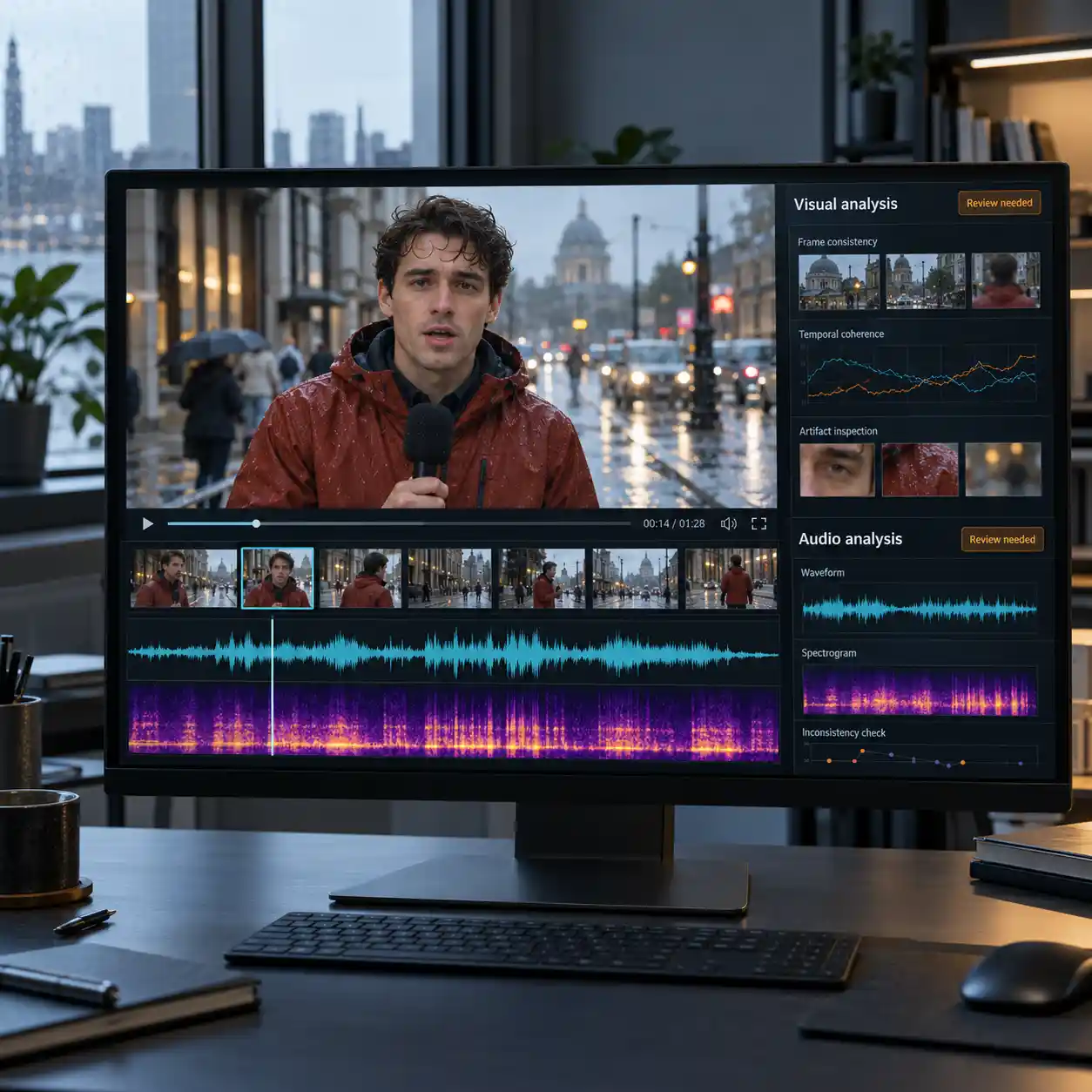
Our ai video detector analyzes both visuals and audio, supporting the combined review recommended at the start. This gives you two evidence sources when a clip mixes genuine and generated elements. The table shows where each analysis can help; a checkmark means a relevant check, not guaranteed detection. An ai video detector still needs usable material and suitable models to produce meaningful findings.
| Possible content | Visual analysis | Audio analysis | Security follow-up |
|---|---|---|---|
| Genuine footage, cloned speech | Check footage reuse | ✓ Assess synthetic speech | Confirm the claimed message |
| Generated face, genuine recording | ✓ Assess visual manipulation | Check reused audio | Locate the original recording |
| Generated visuals and speech | ✓ Assess visual signals | ✓ Assess audio signals | Independently verify the sender |
| Genuine clip with a phishing link | May find no generation signs | May find no generation signs | Check the request and destination |
5.2 Understand the advantage without assuming certainty
The benefit of our ai video detector is broader evidence coverage across picture and sound. It does not mean every manipulated clip will be caught, or every genuine clip will be cleared. Missing audio, heavy processing, and unfamiliar generation methods can limit an ai video detection tool. Judge an ai video detector by how well its findings support your next verification step, and keep unsupported conclusions open.
6. Turn an AI Video Detector Result into a Safer Decision
6.1 State what the evidence supports
Use an ai video detector to distinguish suspicious signals, no detected signals, and insufficient evidence. These outcomes require different follow-up actions, and none alone proves that a message is safe. Preserve the file and explain what remains unknown instead of turning an ai video detector score into certainty. For suspected impersonation, pause the requested action and follow your organization's security reporting process.
6.2 Start with both picture and sound
Use our ai video detector to assess a suspicious video's visuals and audio before relying on its message. Then compare the findings with the original source and confirm sensitive requests independently. Bring an ai video detector into your review while you still have time to verify, rather than after credentials have been shared. Start your video check now.
Reference
Read how deepfake detection works across different media signals