


Can You Detect AI Generated Videos? What Cybersecurity Checks Reveal and What to Do Next
For suspicious messages, I recommend a two-step strategy: inspect the video, then confirm the sender through a trusted channel. Our AI video detector can support the first step by checking uploaded footage for generation signals. The question “can you detect ai generated videos” matters when a familiar face requests account access or urgent action. A convincing appearance should never replace identity checks.
Start with an AI video checker, but keep the original message and file. When you ask “can you detect ai generated videos,” expect evidence with limits, not a guarantee. This guide explains how to check AI video, read the findings, and handle missing answers. You will also learn when to stop investigating pixels and verify the request itself.
1. Can You Detect AI Generated Videos in Suspicious Messages?
1.1 Can you detect ai generated videos from faces alone?
An unusual face may deserve attention, but it does not establish impersonation. When considering “can you detect ai generated videos,” first identify whether you suspect a replaced face, a generated scene, or altered speech. An AI video detector designed for faces may miss other changes. Match the tool to the suspected manipulation before trusting its result.
When asking “can you detect ai generated videos,” read users’ concerns about false results. For “can you detect ai generated videos,” these comments offer experiences, not accuracy measurements.
Read Reddit users discussing missed detections and misleading video qualityr/SideProject1.2 Separate the picture from the voice
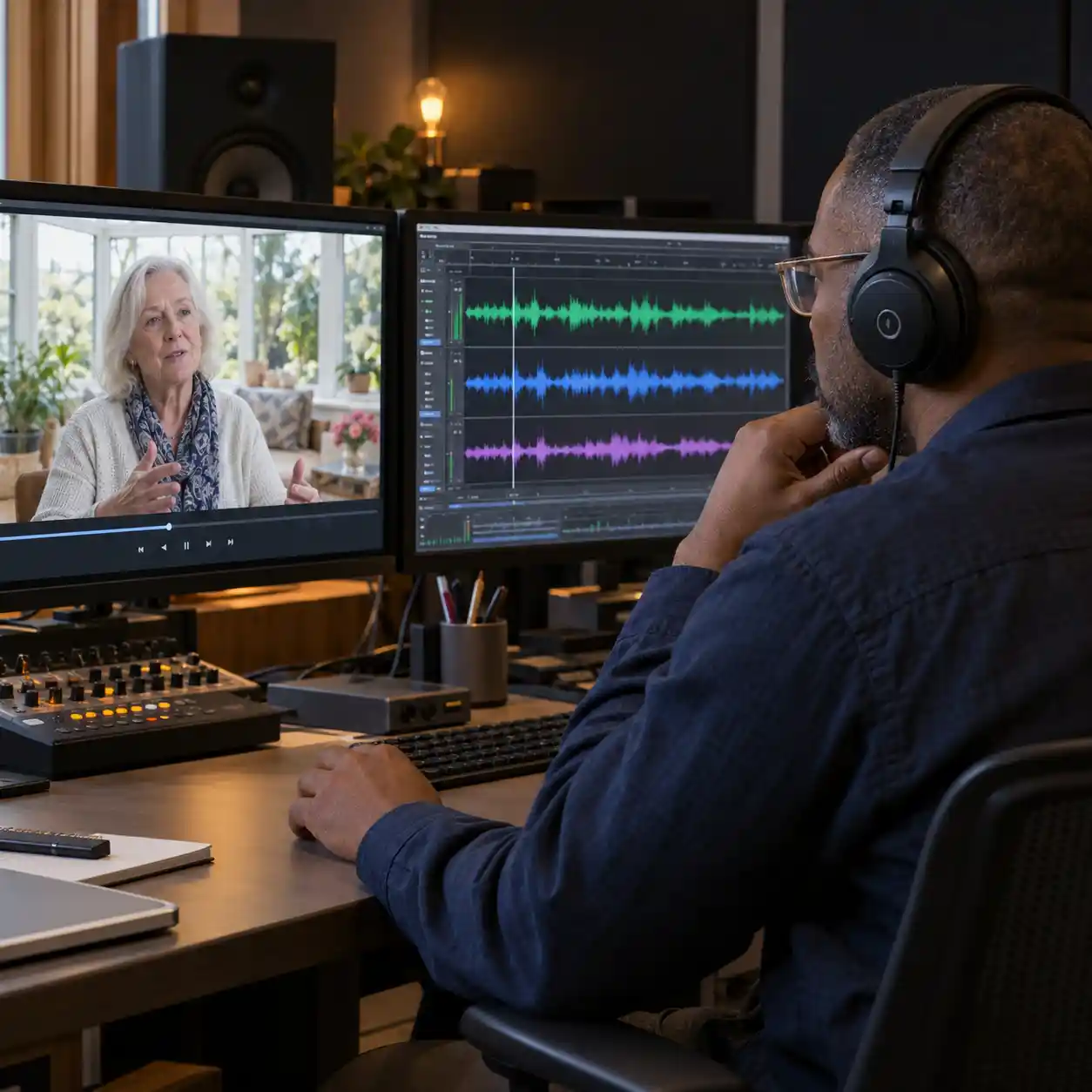
A real recording can carry a synthetic voice. That makes “can you detect ai generated videos” a question about several parts of one file. Review picture and speech findings separately, especially when a message claims to come from your manager. Missing audio evidence does not mean the voice has passed an authenticity check.
1.3 Keep content checks separate from identity checks
The question “can you detect ai generated videos” cannot establish who controls the sending account. Someone could reuse genuine footage from a hacked profile. Use the following checks together, with each one answering a specific question. A clean media result should not authorize password resets or account access.
| Check | Useful action | What it cannot establish alone |
|---|---|---|
| Picture analysis | ✓ Find possible generation signals | Every frame is authentic |
| Speech analysis | ✓ Review available voice evidence | The speaker's identity |
| Watermark inspection | ✓ Look for a supported embedded mark | Unmarked content is genuine |
| Trusted-channel contact | ✓ Confirm the request independently | The video's complete editing history |
2. Can You Detect AI Generated Videos After Compression?
2.1 Can you detect ai generated videos from a repost?
Sometimes, but compression and screen recording can change the clues available. If “can you detect ai generated videos” concerns a blurry repost, request the original before drawing a firm conclusion. BBC reporting describes how poor image quality can hide visual problems. It also warns that poor quality alone is not evidence of AI generation.
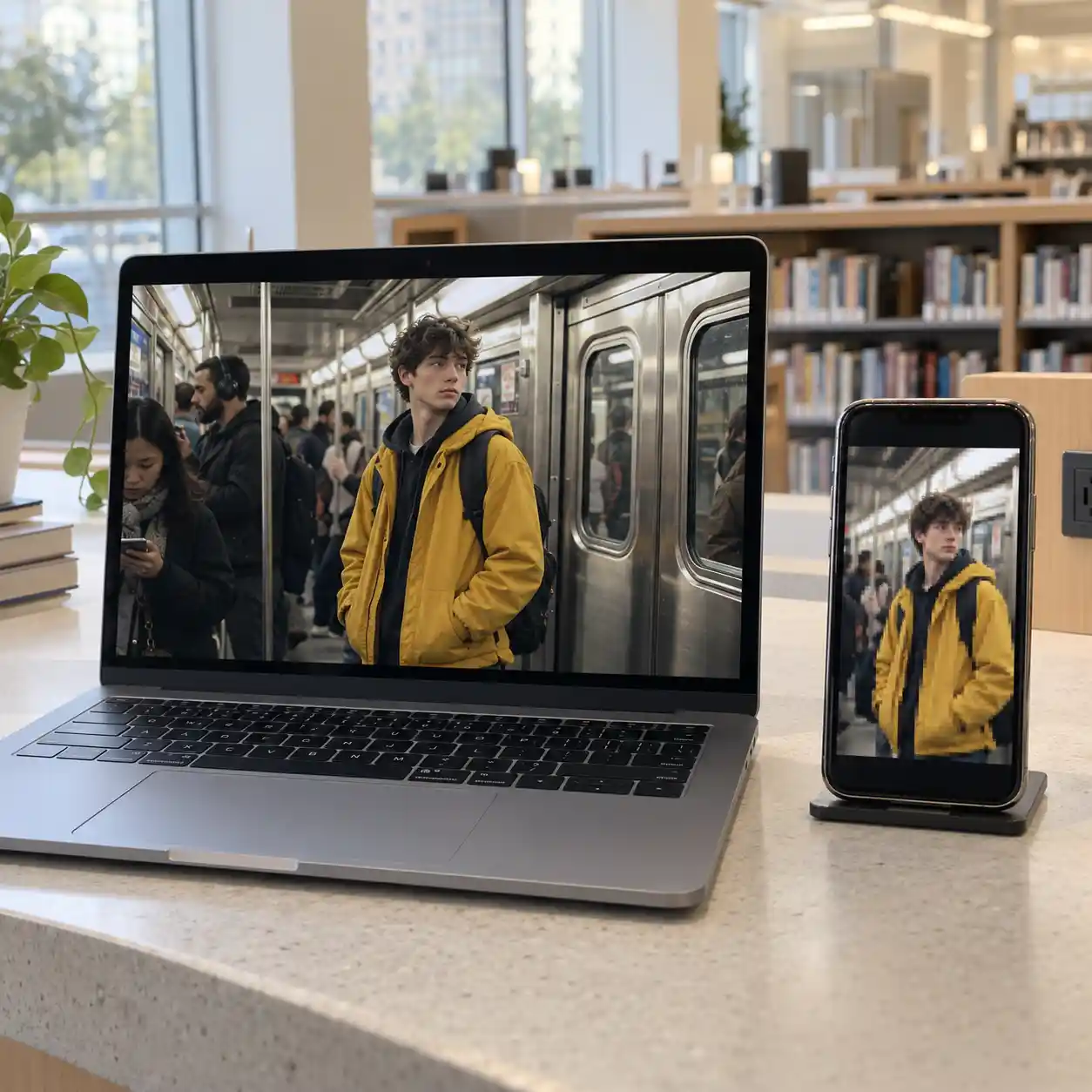
For “can you detect ai generated videos,” this subway clip, linked in BBC reporting, offers a source-tracing example rather than proof that a detector works.
2.2 Treat unfamiliar generators as a testing gap
Ask “can you detect ai generated videos” across unfamiliar generators, not only demonstration clips. A 2024 study reported average AUC falling from 0.990 on seen generators to 0.727 on unseen ones in a specific experiment. AUC measures ranking performance, not percentage accuracy. These findings do not measure our AI video detector or predict its result on your file.
2.3 Avoid treating one score as universal
An AI video checker may work differently across recording conditions and generation methods. For “can you detect ai generated videos,” ask what was tested and what evidence was available. The GenVideo research benchmark separately evaluates unfamiliar generators and degraded videos. Keep those conditions in mind before comparing two advertised accuracy figures or assuming either applies to an incident.
3. Can You Detect AI Generated Videos Without Losing Evidence?
3.1 Can you detect ai generated videos using the best copy?
Keep the original file, message, sender details, and relevant timestamps together. Before asking “can you detect ai generated videos,” identify the exact copy you plan to submit. To check AI video responsibly, use a service approved for the material's sensitivity. Avoid uploading confidential incident recordings to an unfamiliar website just because it advertises free scans.
For “can you detect ai generated videos,” this cybersecurity discussion explores layered defenses. When asking “can you detect ai generated videos,” its advice supports independent verification, not blind trust.
Read cybersecurity practitioners discussing deepfakes and independent verification of requestsr/cybersecurity3.2 Preserve a record of changes
Sharpening, filtering, or replacing audio changes what an AI video detector receives. If “can you detect ai generated videos” requires a format conversion, retain the original and label the converted copy. Record which version produced each result. Do not keep editing and resubmitting until a tool returns the answer you expected.

3.3 Check the claimed source independently
For “can you detect ai generated videos,” a source check adds context that pixels cannot supply. Search distinctive frames for earlier uploads and compare the surrounding captions. Contact the claimed sender through a saved number or established account, rather than details inside the suspicious message. Never provide passwords or verification codes to help someone “prove” that a video is genuine.
4. Can You Detect AI Generated Videos With Our Upload Tool?
4.1 Can you detect ai generated videos within upload limits?
If “can you detect ai generated videos” means checking a saved attachment, start with the upload panel. Our AI video checker accepts MP4, MOV, AVI, FLV, and TS files, up to 400 MB and 30 minutes each. For visitors asking “can you detect ai generated videos” without registering, the guest trial allows one video up to three minutes. Check that your file meets those limits before submitting.

4.2 Confirm the cost before submitting
To check AI video in a registered account, review the displayed credit requirement. For “can you detect ai generated videos” across several attachments, the project supports batches of up to 12 files. Each video costs one credit per minute, rounded up separately, so 61 seconds uses two credits. This pricing rule says nothing about detection speed or reliability.
4.3 Follow the existing task
If “can you detect ai generated videos” leads to a stalled screen, check the task status first. Uploading, waiting, processing, and completion describe different stages. Our AI video detector supports recovery of submitted tasks, so an interrupted page does not automatically require a new submission. An upload error or timeout is a processing problem, not an authenticity finding.
5. Can You Detect AI Generated Videos From the Report?
5.1 Can you detect ai generated videos from a flagged frame?
When “can you detect ai generated videos” returns suspected generation, review the timestamp and nearby footage. Our AI video checker separates visual findings, audio findings, and available AI metadata indicators. The question “can you detect ai generated videos” should then narrow to the flagged material. A suspicious sample does not show that every part of the file was generated.
5.2 Read “not detected” carefully
For “can you detect ai generated videos,” “not detected” means the returned evidence did not identify generation signals. It does not certify an untouched recording or a safe sender. When you check AI video containing an access request, continue with the normal approval process. Even genuine footage can accompany a phishing link or misleading instructions.
5.3 Understand missing findings and scores
The answer to “can you detect ai generated videos” may remain unknown when useful evidence is missing. The report shows sampled-frame positions and scores, plus audio segments when returned. A frame score is not the probability that the whole video is AI-generated, and a dash means no score was supplied. Missing audio results should remain unknown, rather than being treated as clean.

6. Can You Detect AI Generated Videos When Results Stay Unclear?
6.1 Can you detect ai generated videos with better evidence?
When “can you detect ai generated videos” remains unresolved, improve the evidence before repeating the scan. Request a better copy or inspect supported watermarks through an appropriate service. For “can you detect ai generated videos,” Google SynthID adds a separate watermark check, not universal coverage. Our report's metadata indicator should not be mistaken for a full SynthID or content-credential verification service.
6.2 Escalate the request, not just the file
If “can you detect ai generated videos” concerns a suspected account takeover, pause the requested access change and contact your security team. Use an established channel to confirm the person's identity and intent. An AI video checker supports that review but cannot replace access controls. Keep conflicting findings unresolved rather than averaging scores from unrelated tools.

6.3 Save the report and take the next step
After you check AI video, download the Markdown report and keep it with the original message. Record the file version, task identifier, findings, and unanswered questions. The practical answer to “can you detect ai generated videos” is that some signals are detectable, while other cases need further verification. Start with our guest trial for an eligible video, review the evidence, and confirm the sender before granting access.