

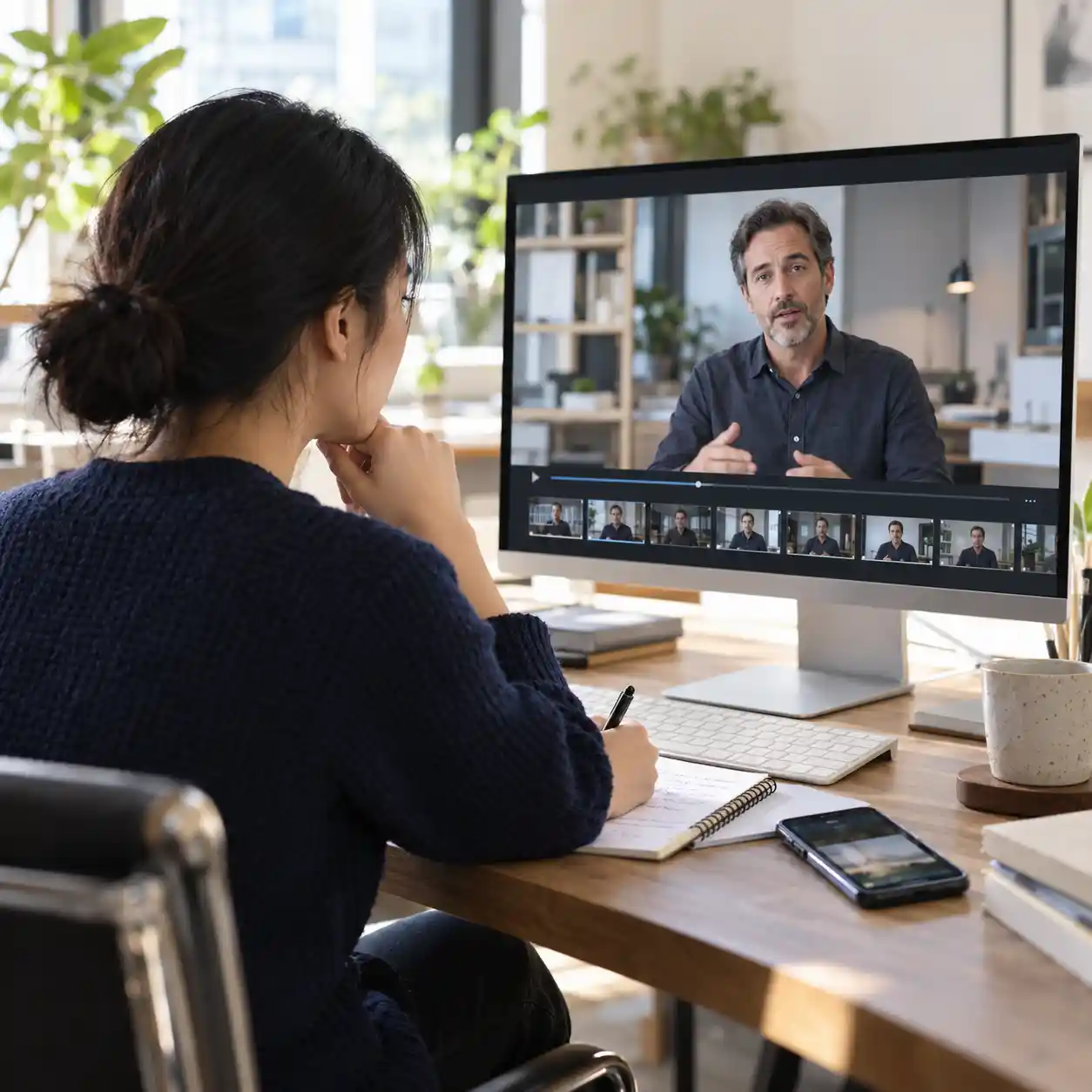
How to Detect AI Video Before Trusting a Message: Six Signals, Real Examples, and Timestamped Checks
Start with layered verification: inspect the clip, check it with our AI video detector, and confirm the sender through a trusted channel. This is the recommended strategy for learning how to detect AI video when a convincing face asks for account access. It combines visible clues with a separate check of the person's identity. A familiar voice alone cannot make a login request safe.
This guide explains how to detect AI video through hands, hair, text, shadows, mouth movements, and sound. Each signal includes a published example and a playback time you can revisit. You will also learn when ordinary editing can produce similar effects. Keep the checklist nearby when reviewing suspicious messages, employee impersonation attempts, or videos that direct you to unfamiliar websites.
1. How to detect AI video before trusting the sender
1.1 How to tell if a video is AI generated: verify the request
Learning how to detect AI video starts with the action the sender wants, especially an urgent request for passwords or verification codes. Pause that request while you check the message, even when the face looks familiar. Contact the person using a number or company directory you already trust, rather than contact details supplied beside the clip. Knowing how to detect AI video supports this identity check; it cannot replace it or make a suspicious link safe.

1.2 How to check if a video is AI generated: preserve evidence
Before testing how to detect AI video, save the original message, sender account, visible URL, and arrival time. Keep an unchanged copy of the video when you are allowed to save it, and note the exact version you examined. A cropped repost may hide a disclosure, remove context, or blur details that matter. A useful record of how to detect AI video therefore includes what you checked and what remains unknown, rather than just a screenshot labeled “fake.”
This Reddit question shows why people search how to detect AI video. Its conflicting replies explain why learning how to detect AI video requires evidence beyond comments.
Read why viewers struggle to verify suspicious online videosr/NoStupidQuestions2. How to detect AI video through hands and hair
2.1 Signs a video is AI generated: hands in motion
For a practical lesson in how to detect AI video, open AI Samson's “I Tested 12 Ways to Spot Fake AI Video” at 05:02, using the link in Chapter 3. Watch the hand in the embracing scene, then follow each finger as the contact changes. Replay a short section slowly and compare several frames, because motion blur can hide a normal finger. The useful question in how to detect AI video is whether shape and contact remain consistent across the movement.
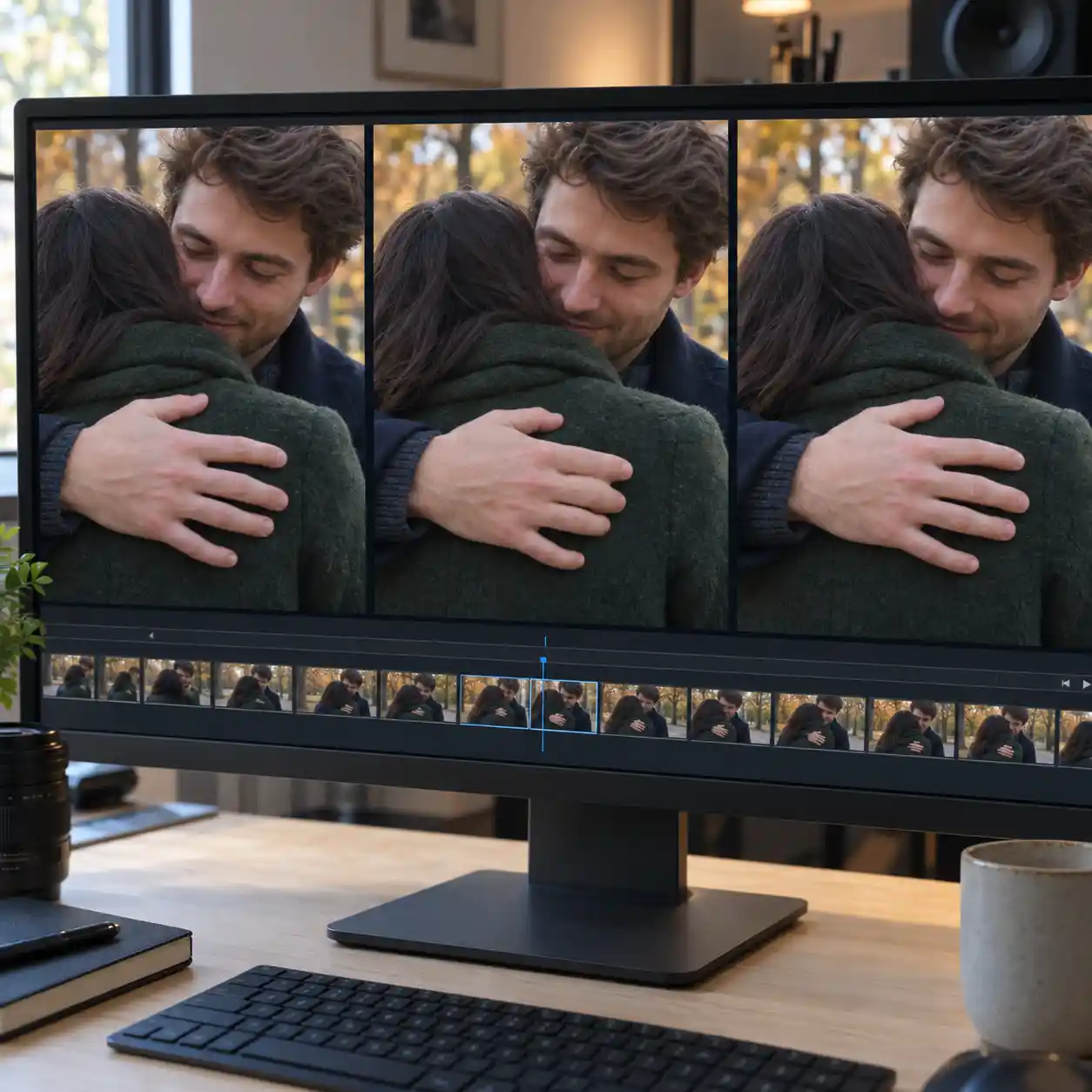
2.2 How to tell if a video is AI generated: hair changes
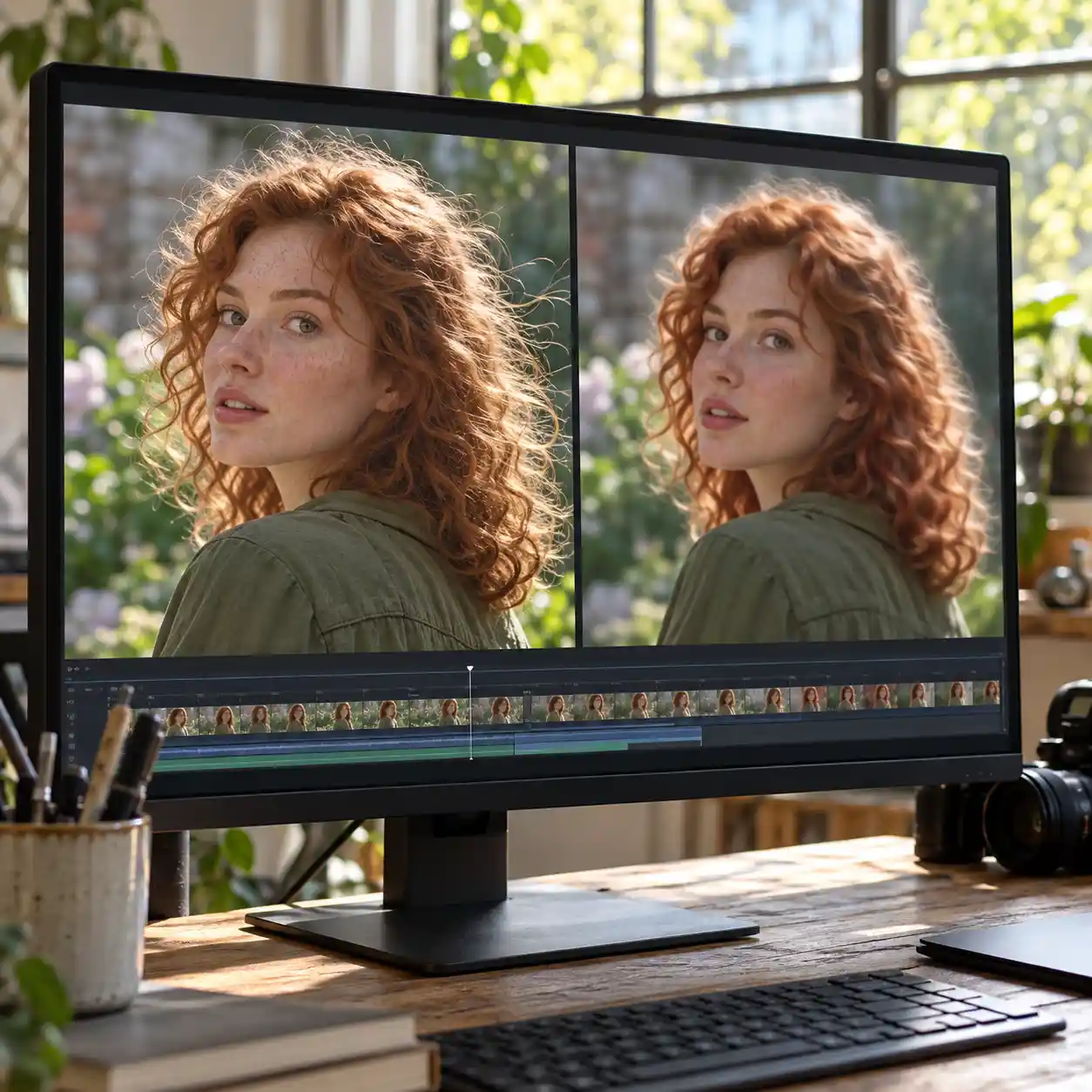
Hair also shows why learning how to detect AI video requires checking alternative explanations. At 07:27–07:34 in SamDoesArts' “Youtube is Using AI on Your Shorts Without Consent..,” the creator discusses plastic-looking hair in a comparison presented as video enhancement. Treat this as a processing example, not proof that the person or original scene was generated. When practicing how to detect AI video, follow the hairline through a turn and seek an earlier copy before judging smoothing, disappearing strands, or edge halos.
Singapore Police Force's TikTok warning connects how to detect AI video with a concrete security threat: scammers using deepfake Zoom calls to impersonate senior officials.
3. How to detect AI video in text and shadows
3.1 Signs a video is AI generated: text across frames
Text checks help explain how to detect AI video when a clip displays a company badge, sign, or branded object. In AI Samson's example at 11:49–12:02, the discussion concerns missing text in a street scene, rather than a demonstrated spelling error. Blank signs alone prove nothing; instead, track any visible letters through movement and look for unexplained changes. Applying how to detect AI video to a security message also means checking the actual website address separately from the logo shown onscreen.
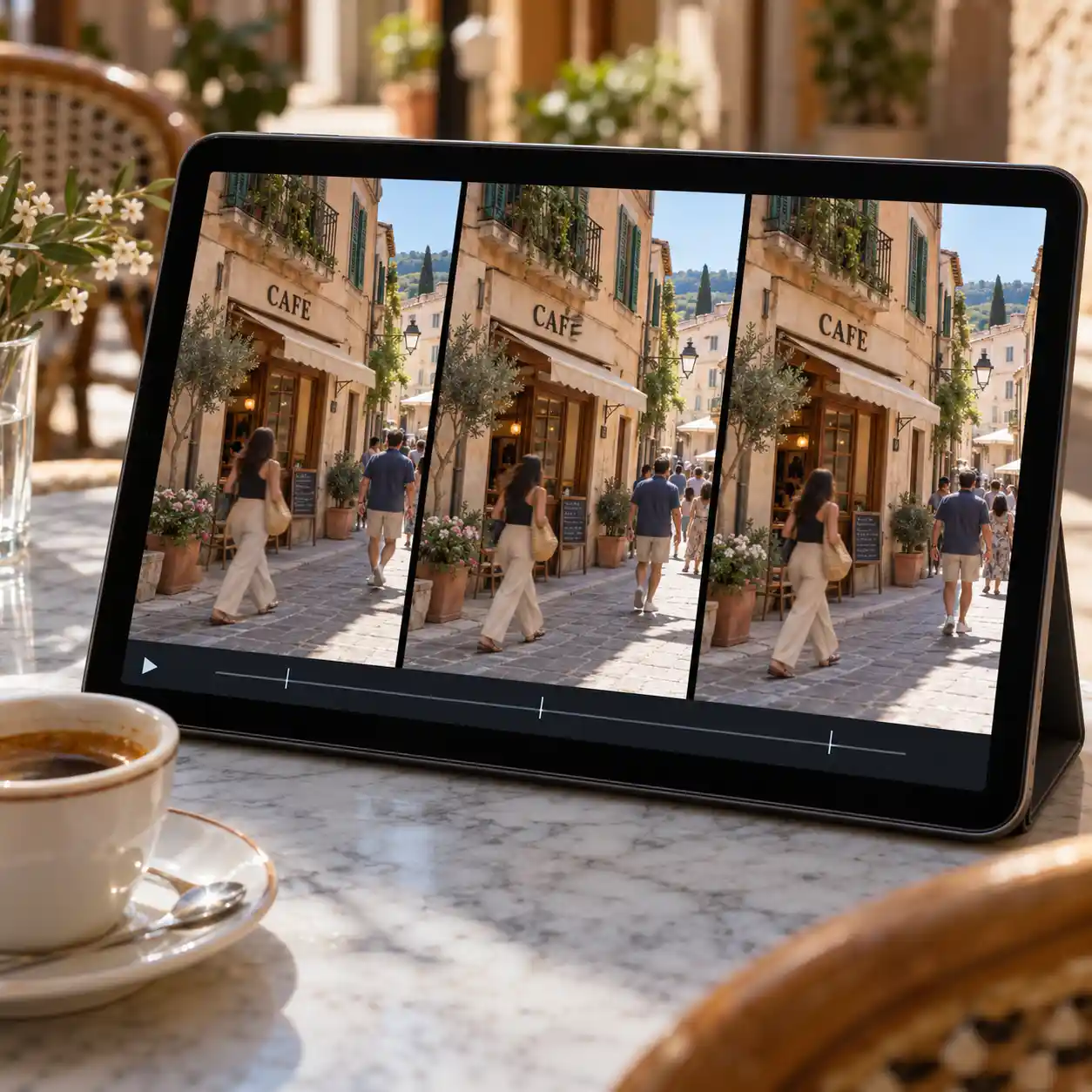
3.2 How to check if a video is AI generated: follow shadows
To explore how to detect AI video through lighting, inspect AI Samson's food-container example at 14:01–14:06. Follow the relationship between the person's arms, body, and shadows as the pose changes, rather than assuming every dark patch should move together. Multiple lights, soft lighting, and camera exposure can complicate what you see. A careful approach to how to detect AI video records the specific inconsistency and checks nearby frames before treating it as evidence of manipulation.
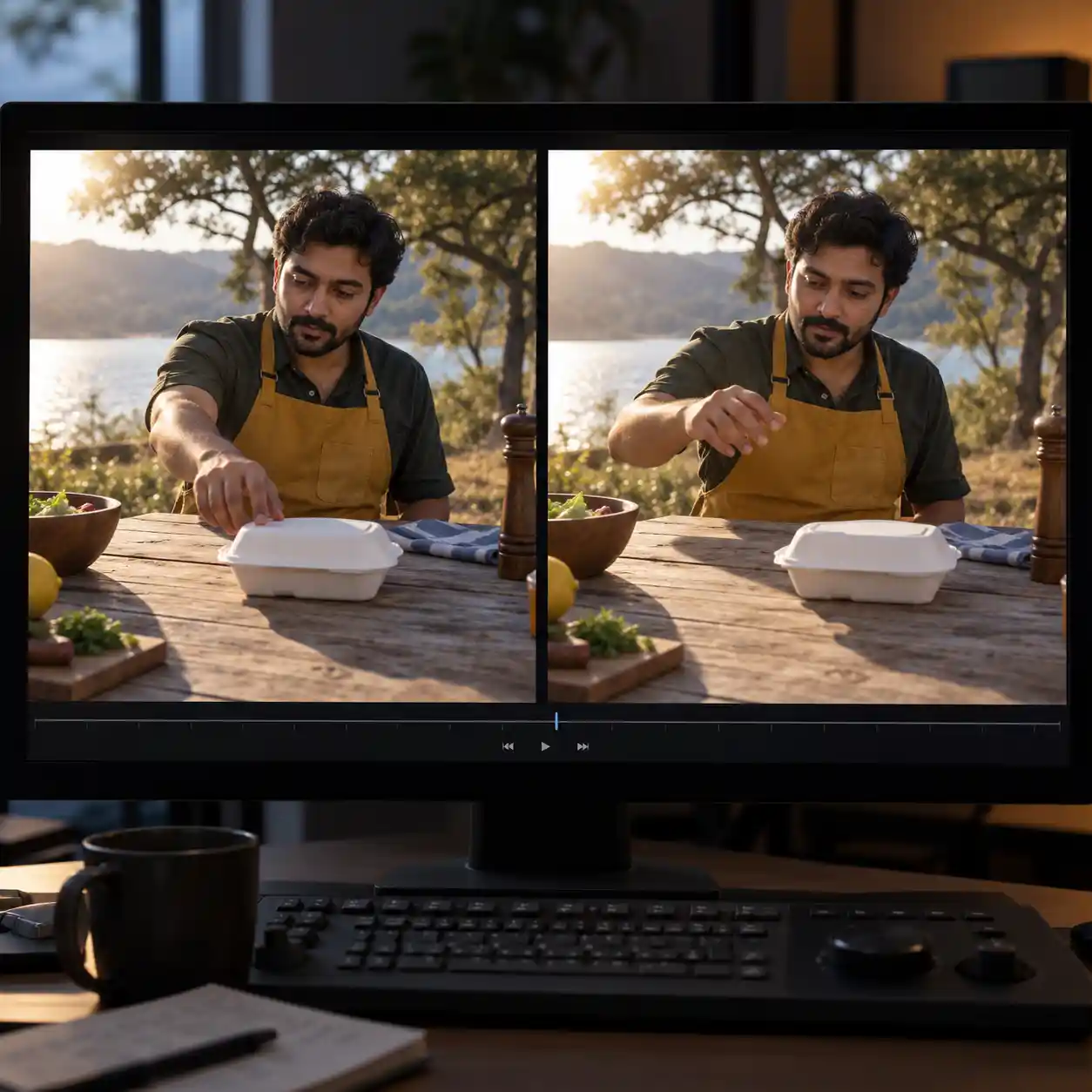
AI Samson's tutorial provides timestamped practice for how to detect AI video through hands, text, and shadows, with examples that should prompt further checks rather than automatic verdicts.
4. How to detect AI video with mouth and audio checks
4.1 How to tell if a video is AI generated: match mouths
Mouth checks add another step to how to detect AI video in a recorded message from an apparent colleague. At 07:00–07:05 in Jeremy Carrasco's “How to Spot AI Videos in 2025,” a speaking example carries a label identifying Google Veo 3 generation. Watch it once normally, then compare visible lip closures with sounds such as “p,” “b,” and “m” where present. Learning how to detect AI video includes checking whether any mismatch persists, because dubbing and playback delay can also break synchronization.
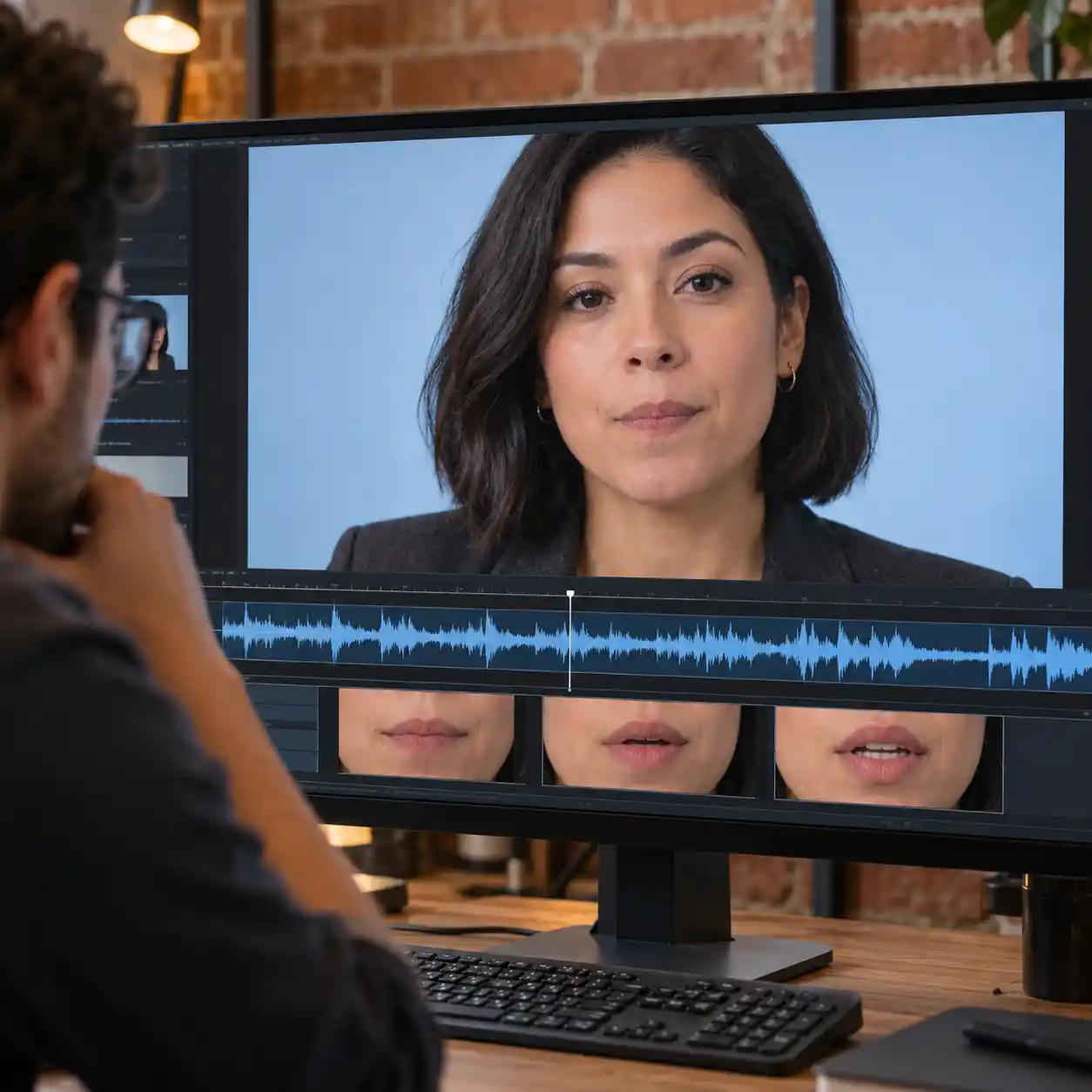
4.2 Signs a video is AI generated: listen separately
Use the same 07:00–07:05 example to practice how to detect AI video through sound without watching the face. Listen for abrupt changes in voice quality, room sound, or the timing of words, then compare against a trusted recording if available. The example's disclosed origin establishes that it is synthetic; a listener's impression of “robotic” speech does not establish a general detection rule. For how to detect AI video in impersonation attempts, verify the request independently even when the audio sounds natural.
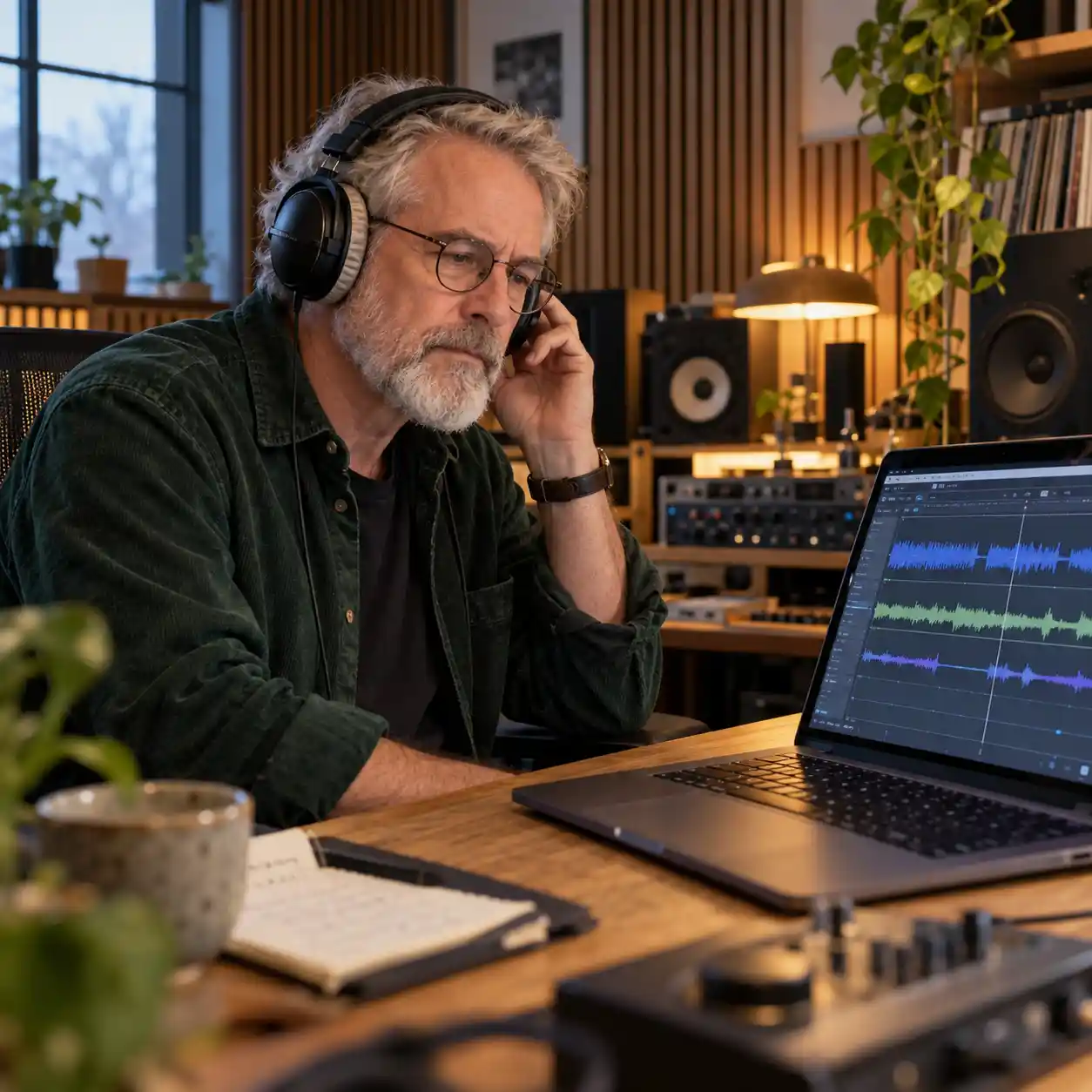
Jeremy Carrasco's labeled Veo example offers practice in how to detect AI video by comparing speech and mouth movement, while keeping the sample's disclosed origin separate from impressions.
5. How to detect AI video using tools and original sources
5.1 How to check if a video is AI generated: run detection
Our AI video detector adds a tool-based check to how to detect AI video after you record the visible clues. Submit an authorized copy through the site's supported input method, then save the returned result alongside your notes. Treat the result as evidence to review, rather than permission to share a login code or approve access. A repeatable method for how to detect AI video also records the file version, since a compressed repost may produce a different assessment.

Research helps set expectations for how to detect AI video with automated tools. The GenVidBench paper describes 6.78 million videos and 11 generators, showing the scale and diversity used in one detection benchmark. “Beyond Deepfake Images” found that the image detectors studied did not transfer successfully to synthetic video detection. These findings inform how to detect AI video, but neither paper establishes the accuracy of our site's detector.
5.2 How to tell if a video is AI generated: trace provenance
Source tracing strengthens how to detect AI video when a clip looks convincing or detector results remain unclear. Search a distinctive frame and a phrase from the dialogue, then compare earlier uploads, creator disclosures, and the account's history. Where available, review Content Credentials for signed information about creation or editing; missing credentials do not prove fabrication. Combining these checks is how to detect AI video more carefully without confusing an authentic recording with an authentic claim or a trustworthy sender.

6. How to detect AI video: save this security checklist
6.1 Signs a video is AI generated: keep a checklist
Keep this reference beside your player while practicing how to detect AI video. The timestamps identify the examples discussed above, including the hair-processing comparison that illustrates a possible false alarm. A checkmark means you completed the review, not that you proved the clip was generated. Record an observation for each relevant row so your approach to how to detect AI video can be repeated by someone else.
| Signal | Example and playback time | Check to complete |
|---|---|---|
| Hands | AI Samson, 05:02 | ✅ Follow fingers through contact |
| Hair | SamDoesArts, 07:27–07:34 | ✅ Compare processing and earlier copies |
| Text | AI Samson, 11:49–12:02 | ✅ Track letters; do not judge blank signs |
| Shadows | AI Samson, 14:01–14:06 | ✅ Compare movement with lighting |
| Mouth | Jeremy Carrasco, 07:00–07:05 | ✅ Match lip closures with speech |
| Audio | Jeremy Carrasco, 07:00–07:05 | ✅ Listen separately and compare context |
6.2 How to check if a video is AI generated: act on uncertainty
The purpose of learning how to detect AI video is to make a safer decision about the message in front of you. Return to layered verification: inspect the clip, use our detector, and confirm the sender through a trusted channel. If the evidence conflicts, leave the request on hold and share your notes with the appropriate security contact. Put how to detect AI video into practice now: save this checklist and check your next suspicious clip with our AI video detector.
Reference
Read the reporter guide to checking AI generated contentExternal LinkRead the Forbes overview of clues in synthetic videosExternal Link